Pick meaningful words.
Choose from 52 themes, hide individual words or make a custom folder from Lori’s library. Try “things for our trip” or a favorite animal theme.
Choose a language pair, start with a topic your child loves and see how their vocabulary grows. Lori keeps the controls simple and the practice playful.
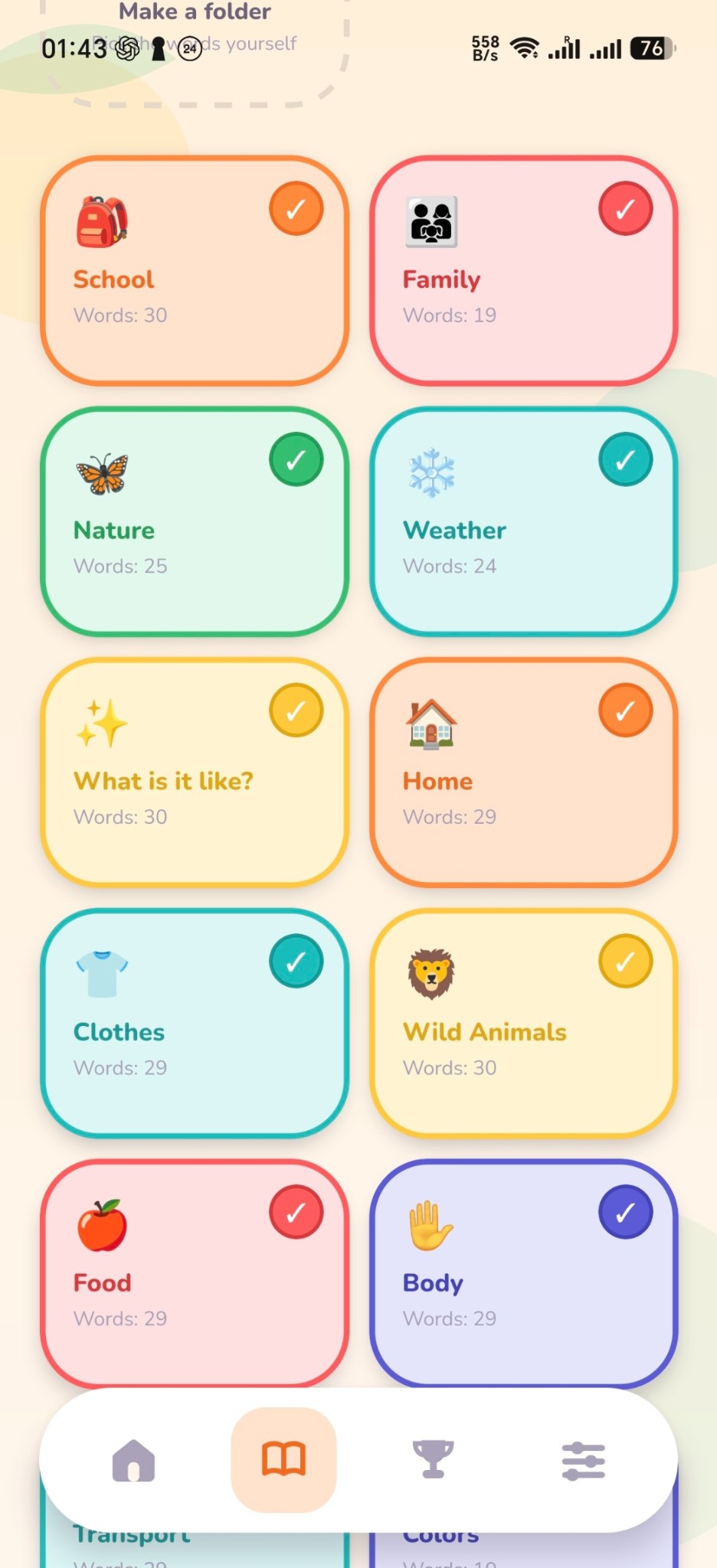
Choose from 52 themes, hide individual words or make a custom folder from Lori’s library. Try “things for our trip” or a favorite animal theme.
Set a daily target of 10, 20 or 30 answers. Lesson length and the number of answer choices can be adjusted, too.
Separate profiles keep each child’s language pair, progress, streak, game records and parrot family together.
Track mastered words, words in progress and answer accuracy. The vocabulary garden grows a flower for each mastered word, while a tricky-word list shows where extra practice might help.
Review weekly totals and share a weekly report with someone in the family. The app’s “Time to review” card starts a session with words that are due.
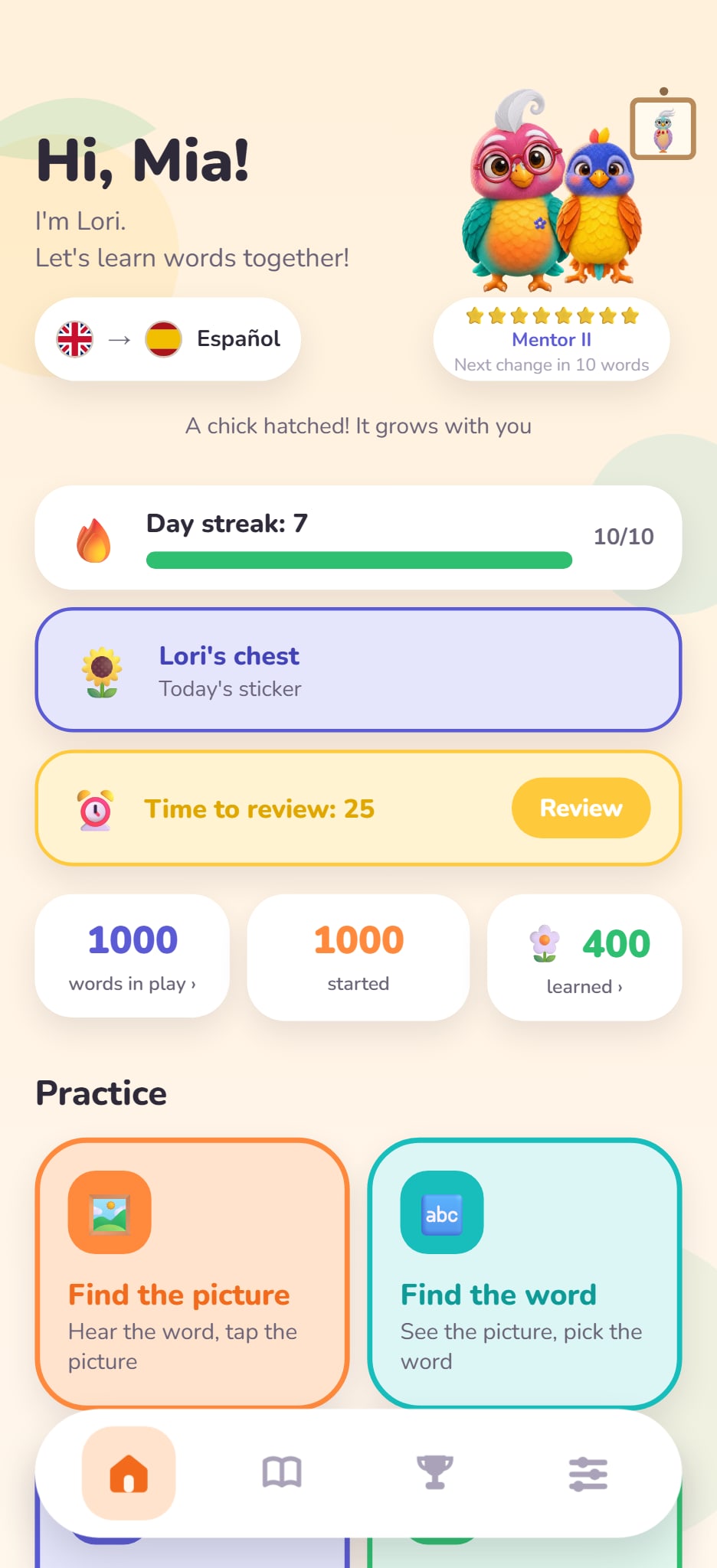
A daily goal can unlock a sticker from Lori’s chest. There are 40 to collect. Streaks, personal game records and bird growth make progress something children can notice.
Each child’s bird color is fixed for their profile. Chicks get a different color, and older birds keep their own appearance in the family portrait.
A correct answer moves a word toward a later review. A mistake brings it back sooner. The schedule moves through 1, 2, 4, 7 and 14 days, and mastered words keep returning every two weeks.
Choose a different game for familiar words when your child wants a change of pace.
Learning progress stays on your device. The words your child is learning download over Wi-Fi by themselves, so Lori’s word games work offline on the road.
Keep the focus on vocabulary play.
No account or cloud synchronization.
Listen without microphone access.
Words in play download on Wi-Fi.
No. Listening and picture-choice games work without reading or writing. Children can also explore picture and memory games. Reading and spelling games are optional, so choose the formats your child enjoys.
Choose topics, hide individual words, create custom folders from the built-in word library, set a daily goal and choose a lesson length of 10, 16 or 24 questions.
Correct answers move a word up a review step; mistakes move it back two steps. Reviews are scheduled at 1, 2, 4, 7 and 14 days. Words at the top step still return every two weeks.
Yes. Each child has a separate profile with a language pair, progress, streak, personal Blitz record and Lori family. Profiles stay on that device.
You can start free. All 1,000 words open with a subscription (first week free) or a one-time purchase.
Yes. Whenever the phone is on Wi-Fi, the words your child is learning download by themselves, with pictures and audio for the languages used on the device. Those word games then work offline, including away from Wi-Fi. Downloading over mobile data too can be switched on in Settings.
Progress is stored on the device. There are no accounts or cloud synchronization. Optional word suggestions and error reports send information only when a parent chooses to submit them. The app also sends an anonymous daily count of the time spent in each game, with no identifier of any kind.
No. Lori uses word audio and does not record or assess a child’s voice.
Lori is on Google Play for Android phones and tablets. There is no App Store version yet.
1,000 words. 17 languages. A little Lori to grow with.
Start free · Android phones & tablets